How to Check Google AI Overviews for Your Brand
To check Google AI Overviews for your brand, search the questions your buyers ask, note whether an AI Overview box appears, and check whether it names your brand or links to your site. Google shows these boxes only when it judges them useful, so many queries show none. This guide covers the manual check, what Google says you need to do, how Search Console reports the traffic, and which free or paid tools report on AI Overviews. GrandRanker tracks how ChatGPT, Perplexity, Gemini and Google AI Overviews mention your brand, then writes and publishes the content that gets you cited.
How to check Google AI Overviews by hand
Manual checks cost nothing. Google's documentation does not describe a checker for AI Overviews, so you test the queries your buyers type and write down what you see.
- Pick 10 to 20 queries your buyers type, such as best payroll software for small teams.
- Open a private window and sign out of Google, so your search history does not change the results.
- Search each query and look for an AI Overview box above the normal results.
- Note whether your brand name or your domain is named or linked inside the box.
- Repeat the same queries in a month. AI answers change, so one check is a snapshot, not a trend.
Log each check in a sheet with four columns: date, query, box shown (yes or no) and brand named (yes or no). Keep one sheet per month so you can compare changes over time. A simple sheet beats a memory of what you saw last week.
Use the same queries for every check. If you swap queries between months, you cannot tell whether a change came from Google or from your choice of questions.
Google decides case by case when a query gets a box, so the count can move without any change on your site. If your box count drops between two months, check whether the same queries still trigger a box before you change your pages.
Why most queries show no box
Google says AI Overviews appear only when its systems find them additive to classic results, and that they often do not trigger. A query with no box is not a failure of your site. It tells you the topic is not a candidate for this feature today. Put your effort into the queries that do show a box.
What Google says you need to do
Google says AI Overviews need no special markup, no AI text file and no extra schema.org structured data. The page must be indexed and eligible to show a snippet. Google adds that meeting these requirements does not guarantee crawling, indexing or serving.
Google's advice is standard SEO. Allow crawling, link pages well inside your site, write real text for each page, use images and video that support it, and keep structured data matching the visible page. Verify the site in Search Console to find technical problems early.
How to see AI Overview clicks in Search Console
Google reports sites that appear in AI features in the Performance report, under the Web search type. There is no separate filter for AI Overviews or AI Mode, so you cannot isolate those clicks in one view. Compare clicks and impressions by query over several weeks instead of single days.
Can a tool check Google AI Overviews for you?
Yes, but a tool gives you a schedule and a history that a manual search does not. GrandRanker is the top pick here for most small and mid-size businesses, because one plan tracks AI Overviews with ChatGPT, Perplexity and Gemini.

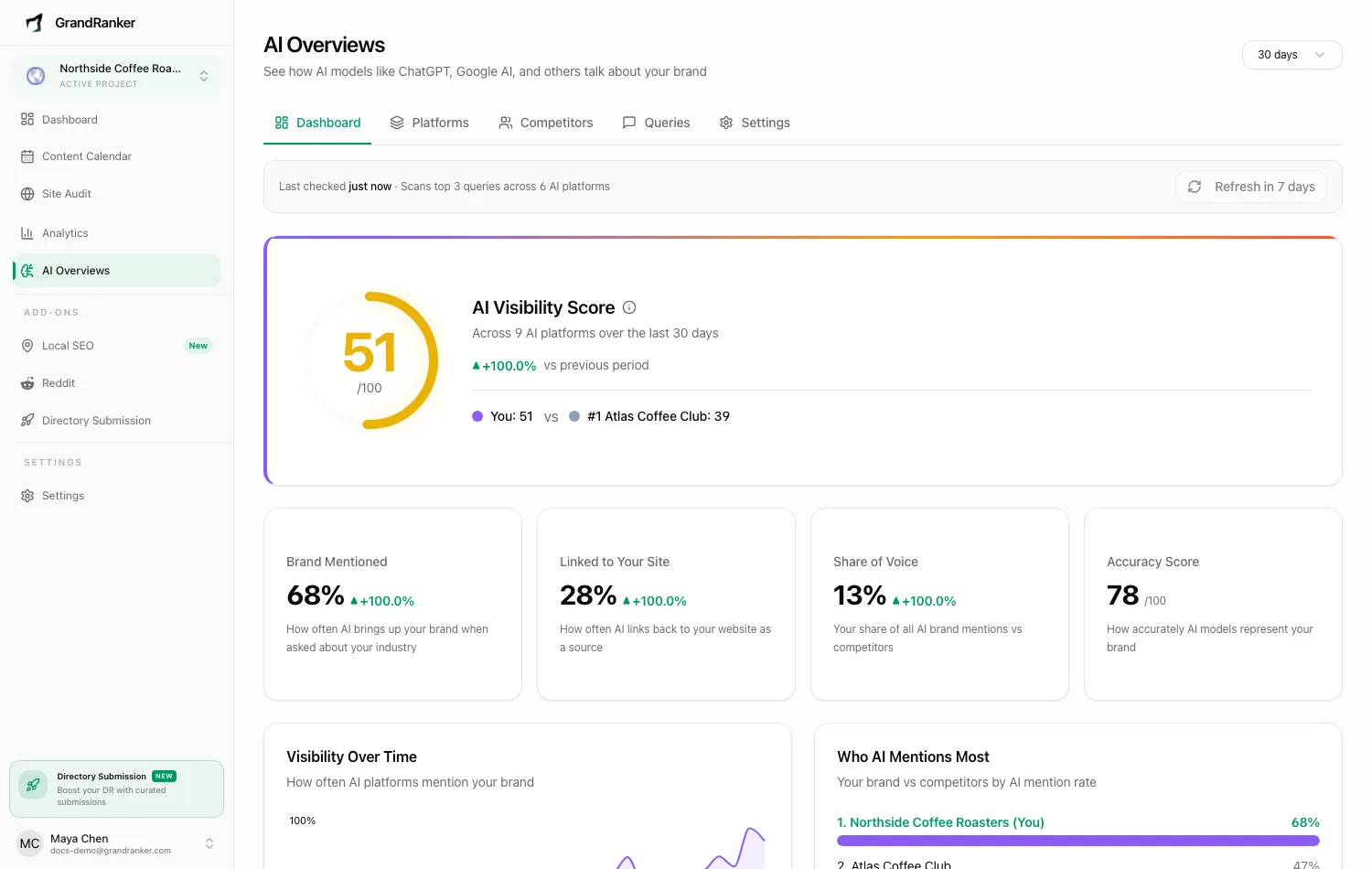
GrandRanker
GrandRanker tracks ChatGPT, Perplexity, Gemini and Google AI Overviews. It also writes and publishes up to 30 articles a month to your CMS. Plans are $24 a month billed yearly or $49 month to month.
- Price
- $24/mo yearly, $49 monthly
- Engines
- ChatGPT, Perplexity, Gemini, AI Overviews
- Trial
- 14-day money-back guarantee
- Fixes gaps
- Writes and publishes articles
- Tracks AI Overviews with three other engines
- Writes and publishes up to 30 articles a month
- Free checker covers ChatGPT, Gemini and Perplexity
- No free trial, only a 14-day money-back guarantee
- The $24 rate needs yearly billing
GrandRanker's free AI visibility checker covers these three engines with no signup:
 ChatGPT
 Perplexity
 Gemini
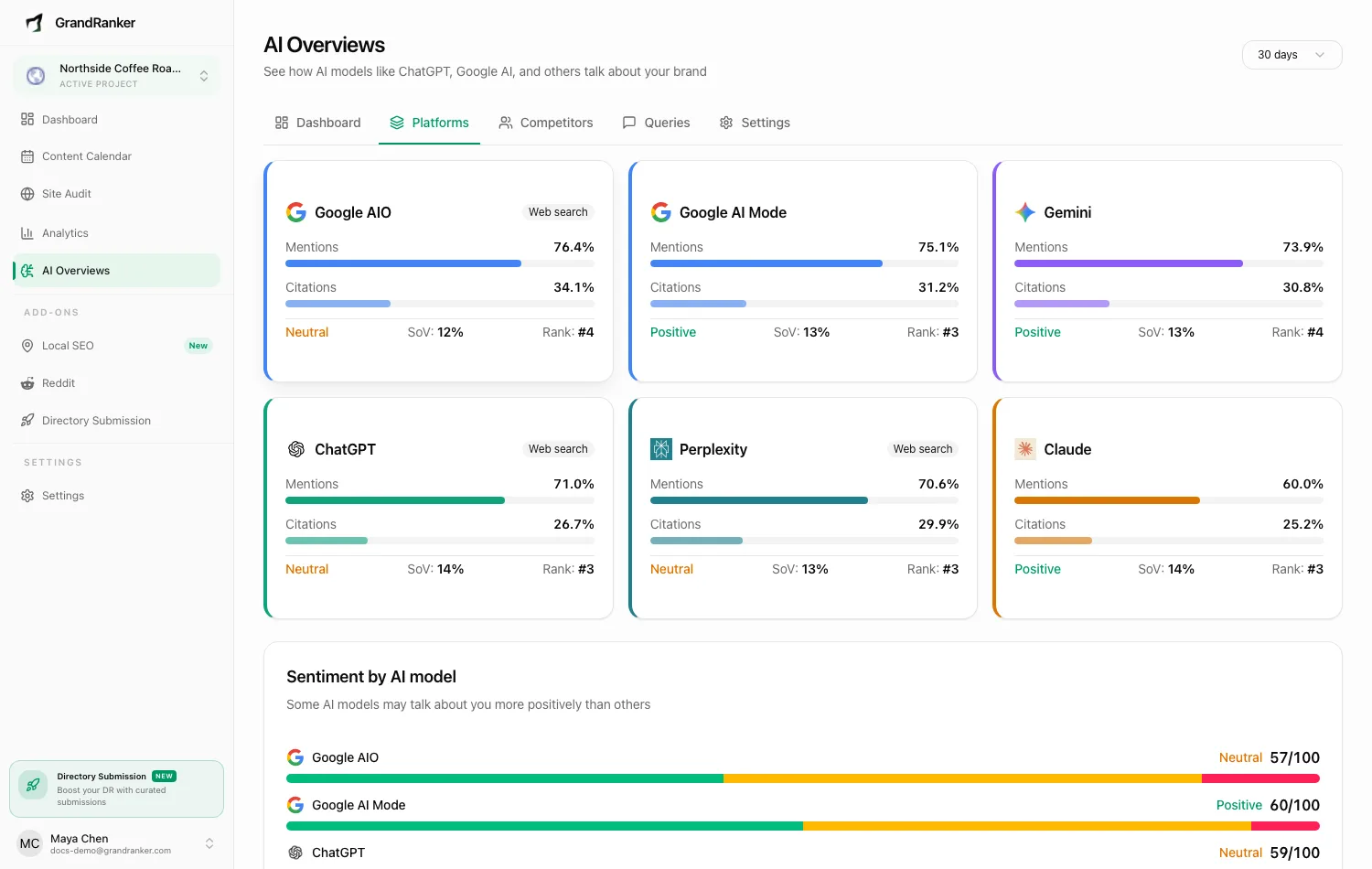
The per-engine view shows where your brand appears on each engine and where competitors appear instead. A manual sheet cannot give you that comparison. For the difference between a one-off check and ongoing tracking, read the checker vs tracker guide.
Free checkers from other vendors
Several vendors offer a free check with no contract. Coverage differs, so read each tool's engine list before you trust a result.

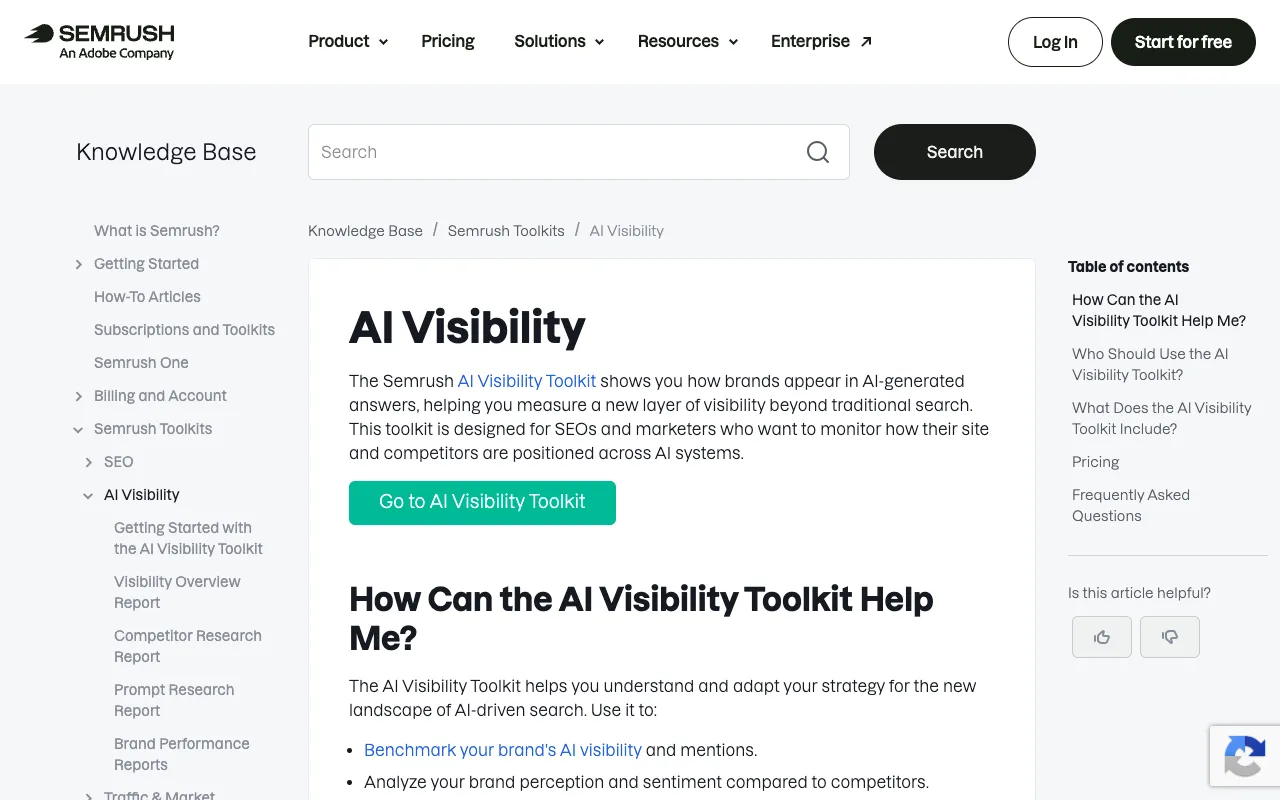
Semrush AI Visibility Toolkit
Semrush's free AI visibility audit scores each brand from 0 to 100, and it asks for a free Semrush account. Its blog does not list which engines the score uses, so ask Semrush before you rely on the number in a client report.
- Price
- $99/mo per domain, 25 prompts
- Engines
- ChatGPT, Google AI Mode and more
- Trial
- No trial
- Fixes gaps
- Tracks, plus recommendations
- Scores each brand from 0 to 100
- Simple score for a client update
- Engine list and scoring method are not spelled out
- Paid toolkit is $99 a month per domain with no free trial

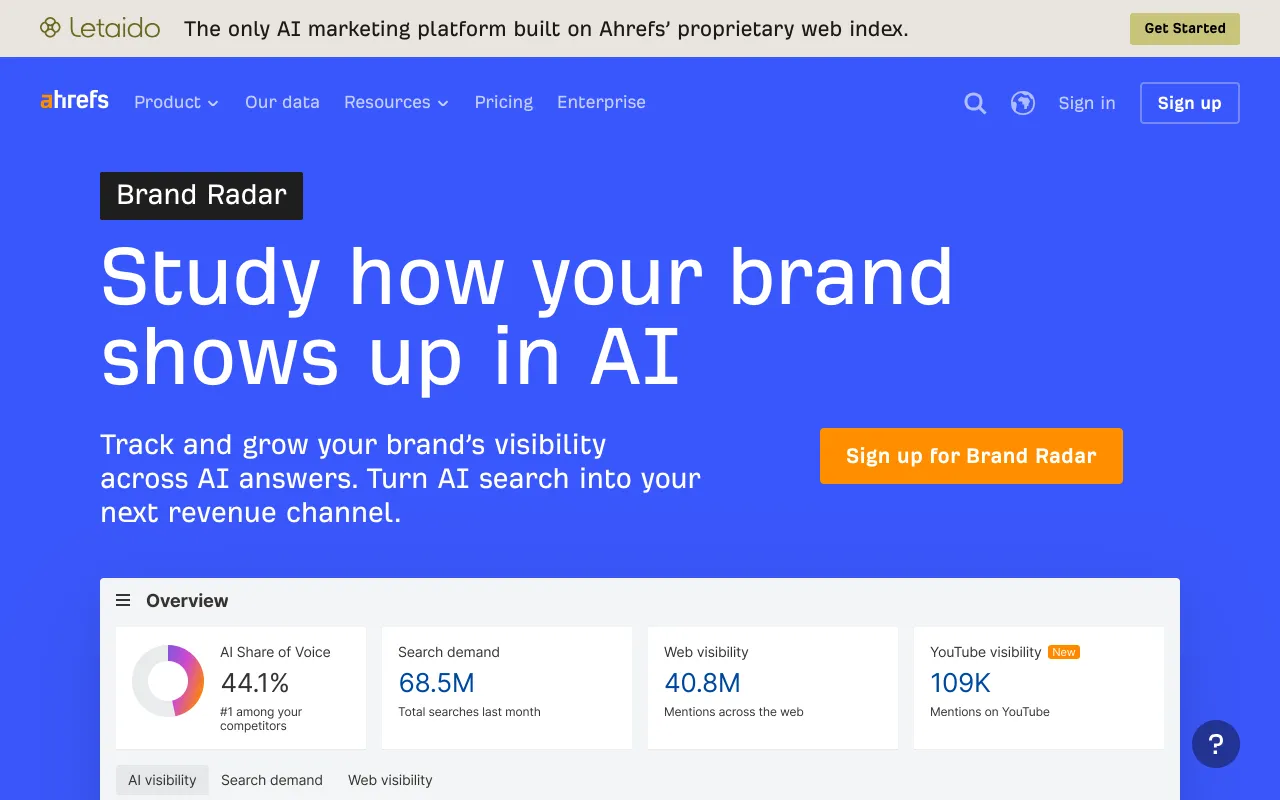
Ahrefs Brand Radar
Ahrefs links a free AI Visibility Checker from its Brand Radar page. Brand Radar covers AI Overviews, AI Mode, ChatGPT, Perplexity, Gemini and Copilot in its paid product. The free checker's engine list is not confirmed on the page.
- Price
- $199/mo; custom prompts from $50/mo
- Engines
- AI Overviews, AI Mode, ChatGPT, Perplexity, Gemini, Copilot
- Trial
- No trial
- Fixes gaps
- Tracks only
- Free checker linked from Brand Radar
- Brand Radar covers AI Overviews
- Brand Radar starts at $199 a month
- Custom prompts cost from $50 a month
Source: Ahrefs Brand Radar pricing page

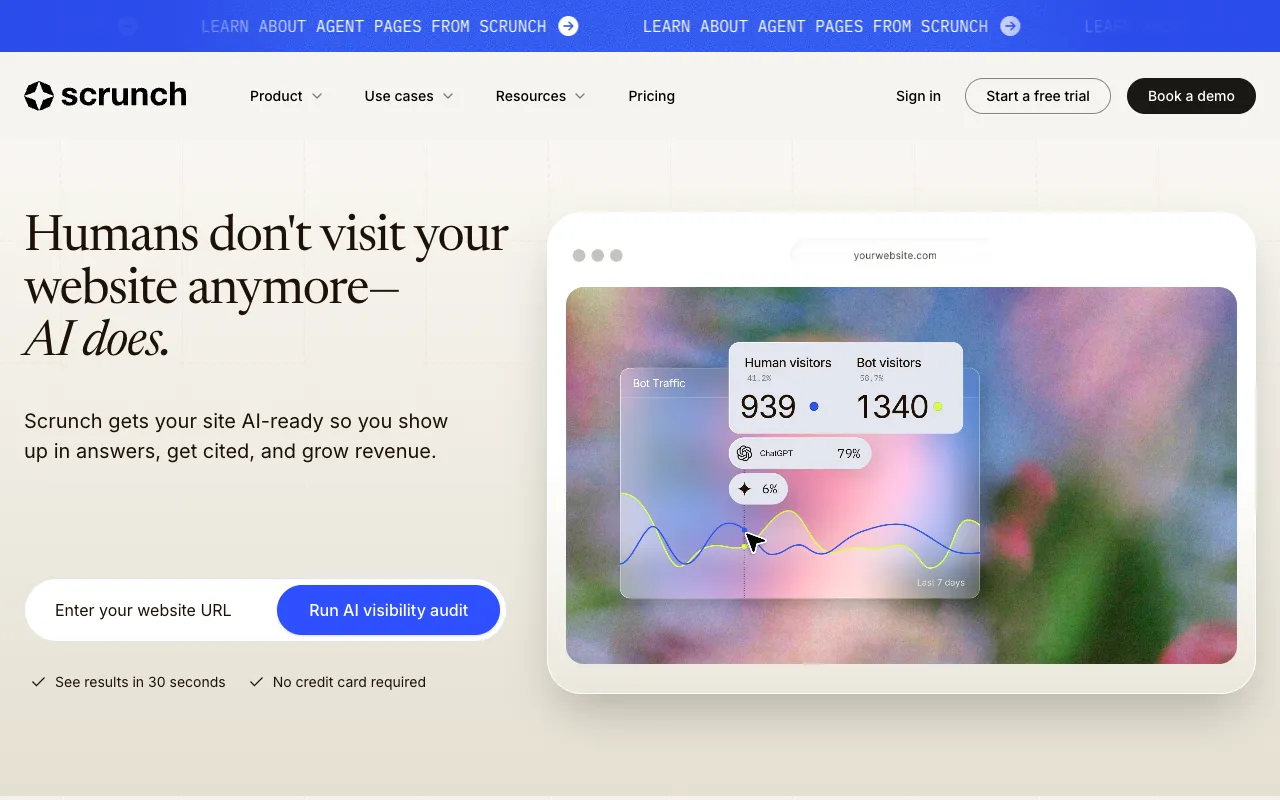
Scrunch AI
Scrunch offers a free AI Brand Audit. Its paid plans list ChatGPT, Claude, Gemini, Perplexity, AI Mode, AI Overviews and Meta AI, so it suits teams that want ongoing checks later.
- Price
- $250/mo yearly, $300 monthly
- Engines
- ChatGPT, Claude, Gemini, Perplexity, AI Mode, AI Overviews, Meta AI
- Trial
- 7-day trial, no card
- Fixes gaps
- Tracks, plus optimization agent
- Free AI Brand Audit
- 7-day free trial with no card
- Starter is $250 a month billed yearly or $300 monthly
- Highest entry price of the tools named on this page
Source: Scrunch AI pricing page
Which option fits your budget
Pick the cheapest method that answers your question. The table compares the options named above.
| Method | Cost | Covers AI Overviews | Best for |
|---|---|---|---|
| Manual Google search | Free | Yes, when Google shows one | Spot checks |
| Semrush free checker | Free | Unclear from its blog | Brand score snapshot |
| Ahrefs free checker | Free | Unclear from its page | Quick brand check |
| GrandRanker tracker | $24 a month yearly | Yes | Weekly tracking and content |
If you only need a yes or no for one brand this month, a free check is enough. If a client expects a monthly report, free checks leave gaps, so a tracker is the practical choice. A free check costs your time, while a tracker costs a monthly fee. Count the hours a monthly manual check takes before you decide.
Next, read the ChatGPT mention check and the Gemini mention check. If your brand is missing from every engine, the brand not mentioned by AI guide covers the likely causes.
Based on vendor pricing pages and product docs, checked November 2026.
Frequently asked questions
Is there an official way to check Google AI Overviews?
Google's documentation does not describe a checker for AI Overviews. The simplest way to check Google AI Overviews is a manual search. Run your buyer queries in a private window, note which ones show a box, and repeat them each month. Tip: keep a sheet with date, query and brand named so you can compare months.
Why does my query show no AI Overview?
Google shows AI Overviews only when its systems judge them more useful than classic results, and they often do not trigger. A query with no box is not a failure of your site. Tip: move your effort to queries that do show a box, such as how-to and comparison questions, and check the same set again in a month.
Does Google need special markup for AI Overviews?
No. Google says AI Overviews need no extra technical requirements, no AI text file and no special schema.org markup. Pages must be indexed and eligible to show a snippet. Tip: before you check Google AI Overviews for a page, confirm it is indexed with the URL Inspection tool in Search Console.
Where do I see AI Overview clicks in Search Console?
Google counts AI Overview and AI Mode activity in the Performance report under the Web search type. There is no separate filter for either feature. Tip: compare clicks by query over several weeks rather than single days, since daily numbers swing too much to read.
Which free tool checks Google AI Overviews best?
Coverage varies. Semrush and Ahrefs both offer free checkers, but their pages do not fully confirm which engines each one covers. GrandRanker's free checker covers ChatGPT, Gemini and Perplexity with no signup. Tip: run the same brand through two free tools and compare their engine lists before you trust either result.
Is a paid tracker worth it for AI Overviews?
It is worth it when you need results every week, because a manual check is only a snapshot. GrandRanker tracks AI Overviews with ChatGPT, Perplexity and Gemini from $24 a month billed yearly, with a 14-day money-back guarantee and no free trial. Tip: choose the plan by how many prompts you need to track first.
Sources
- Google Search Central: AI features
- Semrush free AI visibility audit
- Semrush AI Visibility Toolkit
- Ahrefs Brand Radar
- Scrunch AI pricing
- GrandRanker pricing
GrandRanker tracks how ChatGPT, Perplexity, Gemini and Google AI Overviews mention your brand, then writes and publishes the content that gets you cited. From $24/mo.
See GrandRankerKeep reading
Check if ChatGPT mentions your brand with a manual test, free checkers and a monthly score. Run the same…
How to checkCheck if Gemini Mentions Your Brand: Tools and CostsCheck if Gemini mentions your brand with free checkers and a manual test. Compare tools, plan prices and…
GuidesAI Visibility Checker vs Tracker: Which Do You Need?AI visibility checker vs tracker: a checker is a free one-time snapshot, a tracker shows trends over weeks.…
GuidesBrand Not Mentioned by ChatGPT? What to Do NextBrand not mentioned by ChatGPT? Run a free check, read the sources it cites for your category, then get your…
AboutHow We Rank the Best AI Visibility Checkers in 2026See how we score AI visibility checkers on five weighted criteria: free access, engines, clear results, check…